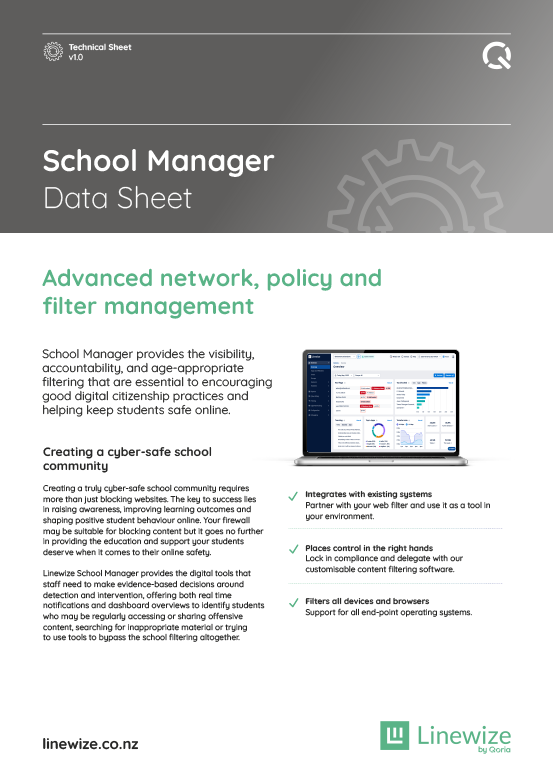
Traditional filters focus on what students search. They block websites and turn activity into reports... which is the first step in keeping students safe and focused on learning.
But today, it’s what students encounter in the places that aren’t blocked that matters just as much.
Inappropriate content can appear halfway through a video, inside a shared document, or through an innocent search. And with new sites and AI-generated content being created constantly, it’s impossible to categorise everything before a student sees it.
That’s where Linewize Filter comes in.
Instead of relying on soley URL categorisation, it leverages AI to analyse content as it loads on the screen, providing real-time protection designed for how students actually use the internet.
Trusted by 1 in 5 schools across Aotearoa, we help create a safer, more predictable digital environment for learning.
Closing the gaps that children fall through
Real-time content-aware detection protects students wherever they are.
Blocks content, not sites, to eliminate overblocking and promote productive online experiences for every learning stage.
Know where students are heading online, set boundaries, and help them build positive digital habits.
Highest standards in student data privacy
Linewize Filter maintains the highest levels of student data privacy with global certifications.
Analyses images, videos, and text (coming soon) as pages load, not just the website. Inappropriate or confronting content is filtered instantly, within platforms students use every day.
Looks inside pages, documents, and media where potentially harmful content can appear. Helps prevent inappropriate experiences that would otherwise slip through traditional filters.
Responds to new sites and AI-generated content as it appears. Content is assessed in real time, so students are protected even when material hasn’t yet been categorised.
What's included
Enables Linewize Filter to detect and stop unsafe or explicit images and video content before they’re seen.
Reinforce compliance & instantly block inappropriate content, including those that slip past Google Safe Search ,YouTube Restricted Mode, and more.
Customise "blur" sensitivity levels across different safety categories and set exclusion lists so learning can flow.
Use custom exclusion lists to allow access to pre-approved content so you don't have to compromise your students' classroom experience.
Take your filtering capabilities to the next level in a digital world with the ability to instantly blur harmful AI-generated photos.
See what’s actually happening on school devices, including searches, online distractions, and video activity. Build a clearer picture of behaviour, not just isolated moments.
Understand what happened, when, and how often. Give staff the context needed to guide students and respond with confidence.
Clear insights that are easy to understand and share. Easily spot threats, reduce risks and support decision-making across leadership, wellbeing, and teaching teams.
Filtering continues whether students are at school, at home, or on another network. School accounts remain protected wherever they are used.
Apply your school’s standards beyond the classroom. Help reinforce safe and responsible behaviour at all times.
Involve parents in supporting safe device use at home. Build a more consistent approach between school and home.
Set access levels that match age, learning needs, and context. Create the right environment for different groups across your school.
Update rules and settings easily as needs change. No technical expertise required to keep things running as they should.
Shape device use in a way that reflects your approach to learning and wellbeing. Move beyond restriction to a more guided, intentional environment.
Ben Milward
Deputy Headmaster
The daily report about red flags is wonderful. If there are children searching for content that we believe is inappropriate and is a cause for concern, we can inform parents. Fantastic overall! I have been a leader in the IT curriculum and infrastructure projects for 15 years in both the UK and New Zealand, and this is the best solution I have worked with.
St George's School

Wayne Whitney
Tumuaki
School Manager has changed the way that our kids use IT in the classroom. Previously, we had kids that were searching for anything and everything. The way that we did it was a friendly approach to let them know that we could see what they were doing but at the same time just educating them on how to use the technology well.
Hikutaia School
Brook Hill
Principal
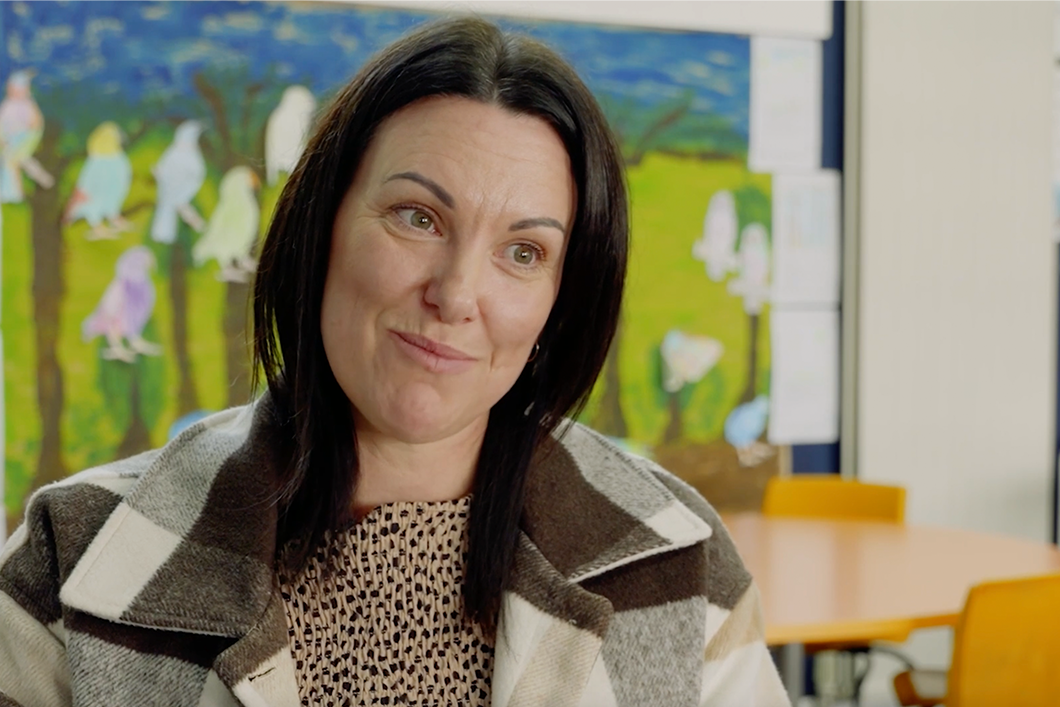
School Manager has led to a really interesting conversation with those children around what they were doing and why, and do you think that’s appropriate. Ironically, there have been no more red flags with those children.
Netherton School
To find out more or arrange a demo please contact us. Our team of experts are waiting to help.
Sign up for our newsletter to get all the latest product information.